
 A 404 error means the page you're looking for doesn't exist anymore. Or never did. Or someone deleted it and forgot to tell the rest of the internet.
Changed URL. Deleted page. Server having an existential crisis. The result is always the same: you, stuck, wasting time you'll never get back.
Here's the fun part: even billion-dollar media companies with entire IT departments still serve you broken pages. Technology is the great equalizer. It screws everyone equally.
While you're waiting for someone to fix it, remember: the only page that never returns a 404 is your overdue bill.
As a digital nomad bouncing between Vietnam, Thailand and every airport in Southeast Asia, I live these errors in real time. Hotspot on, laptop open, and boom — 404.
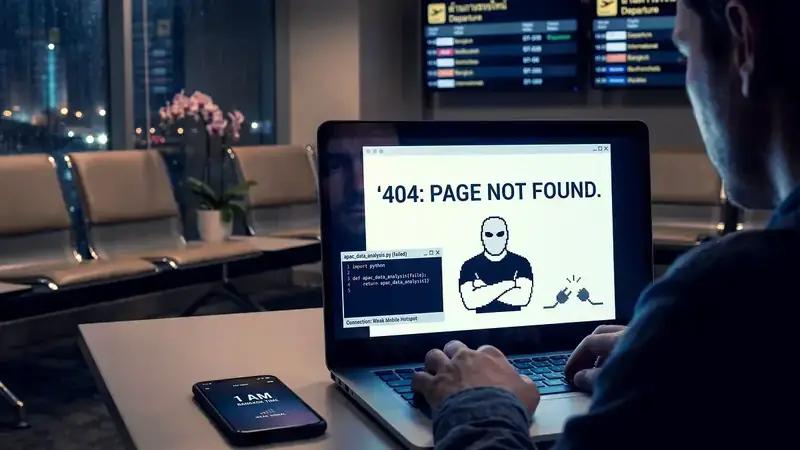
Hitting a dead page at 1am in a Bangkok airport while running a Python script that's supposed to analyze the APAC market? That's a special kind of frustration.
Next time you see a 404, don't report it. Don't thank anyone. Close the tab and move on. The web has better content. Or at least more interesting errors.
A 404 error means the page you're looking for doesn't exist anymore. Or never did. Or someone deleted it and forgot to tell the rest of the internet.
Changed URL. Deleted page. Server having an existential crisis. The result is always the same: you, stuck, wasting time you'll never get back.
Here's the fun part: even billion-dollar media companies with entire IT departments still serve you broken pages. Technology is the great equalizer. It screws everyone equally.
While you're waiting for someone to fix it, remember: the only page that never returns a 404 is your overdue bill.
As a digital nomad bouncing between Vietnam, Thailand and every airport in Southeast Asia, I live these errors in real time. Hotspot on, laptop open, and boom — 404.
Hitting a dead page at 1am in a Bangkok airport while running a Python script that's supposed to analyze the APAC market? That's a special kind of frustration.
Next time you see a 404, don't report it. Don't thank anyone. Close the tab and move on. The web has better content. Or at least more interesting errors.404: When The Internet Tells You To Get Lost
You clicked a link. You got a 404. Welcome to the digital void where content goes to die.
No explanation. No apology. Just a cold error code staring back at you like a bouncer who doesn't know your name.
A 404 error means the page you're looking for doesn't exist anymore. Or never did. Or someone deleted it and forgot to tell the rest of the internet.
Changed URL. Deleted page. Server having an existential crisis. The result is always the same: you, stuck, wasting time you'll never get back.
Here's the fun part: even billion-dollar media companies with entire IT departments still serve you broken pages. Technology is the great equalizer. It screws everyone equally.
While you're waiting for someone to fix it, remember: the only page that never returns a 404 is your overdue bill.
As a digital nomad bouncing between Vietnam, Thailand and every airport in Southeast Asia, I live these errors in real time. Hotspot on, laptop open, and boom — 404.
Hitting a dead page at 1am in a Bangkok airport while running a Python script that's supposed to analyze the APAC market? That's a special kind of frustration.
Next time you see a 404, don't report it. Don't thank anyone. Close the tab and move on. The web has better content. Or at least more interesting errors.
A 404 error means the page you're looking for doesn't exist anymore. Or never did. Or someone deleted it and forgot to tell the rest of the internet.
Changed URL. Deleted page. Server having an existential crisis. The result is always the same: you, stuck, wasting time you'll never get back.
Here's the fun part: even billion-dollar media companies with entire IT departments still serve you broken pages. Technology is the great equalizer. It screws everyone equally.
While you're waiting for someone to fix it, remember: the only page that never returns a 404 is your overdue bill.
As a digital nomad bouncing between Vietnam, Thailand and every airport in Southeast Asia, I live these errors in real time. Hotspot on, laptop open, and boom — 404.
Hitting a dead page at 1am in a Bangkok airport while running a Python script that's supposed to analyze the APAC market? That's a special kind of frustration.
Next time you see a 404, don't report it. Don't thank anyone. Close the tab and move on. The web has better content. Or at least more interesting errors.